From web to mobile to API. One back-end, every interface.
TraderEvolution includes production-ready trading interfaces for web, mobile, and TradingView — all connected to the same back-end. Deploy what you need, build what you want on top via Client API, or let AI agents trade via MCP Server.
The web platform is a full-featured desktop trading environment — multi-workspace, fully configurable, with Options analytics, heatmaps, and visual chart trading built in. On mobile and tablet it becomes a PWA with a dedicated mobile layout. One URL, both experiences.
Traders organise their workspace across multiple tabs. Each workspace is fully configurable — panels and widgets arranged to match any trading style or workflow.
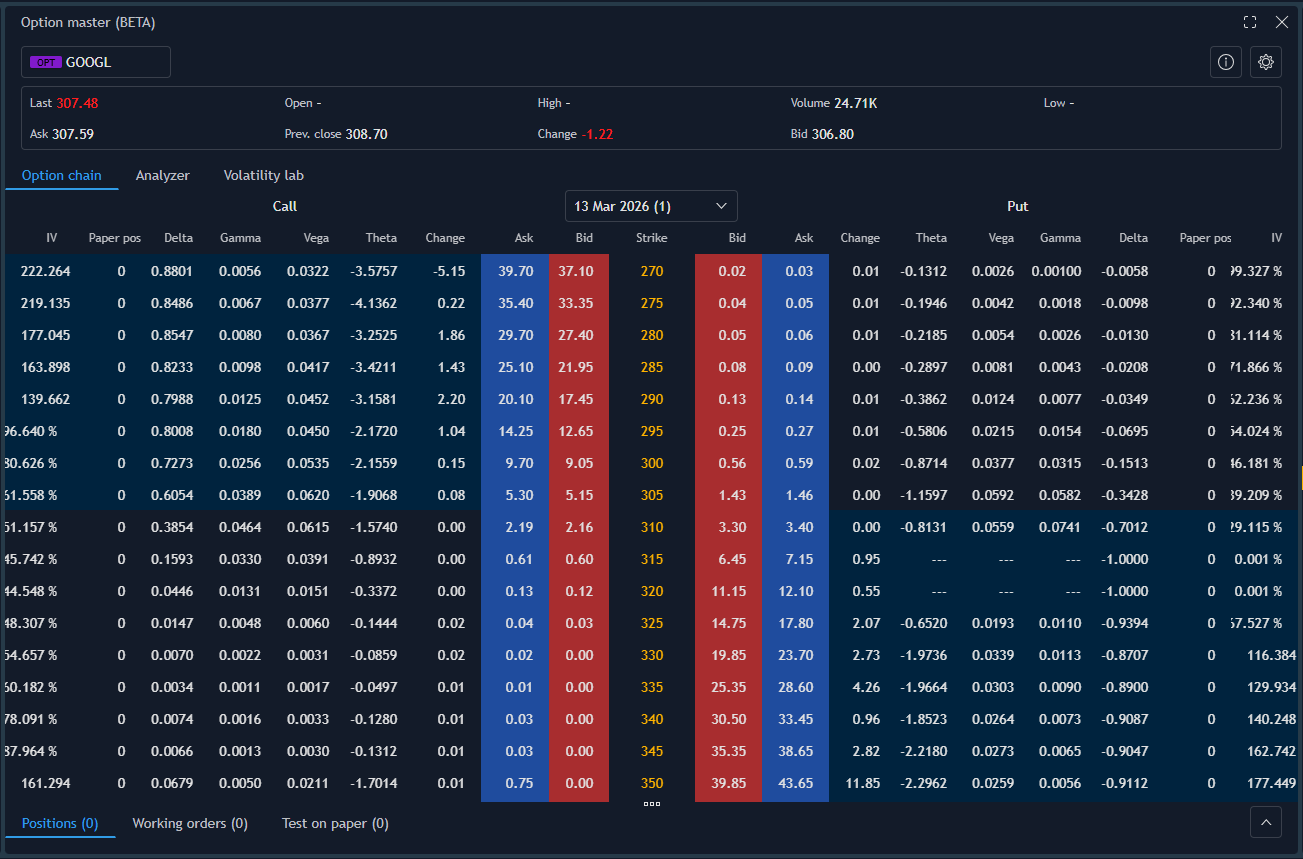
Option Chain with full Greeks (Delta, Gamma, Vega, Theta, IV, Open Interest), P/L Analyzer with current/expiration/timeline curves, What-if scenarios, aggregate Greeks, and Volatility Lab with smile and surface across multiple expirations.
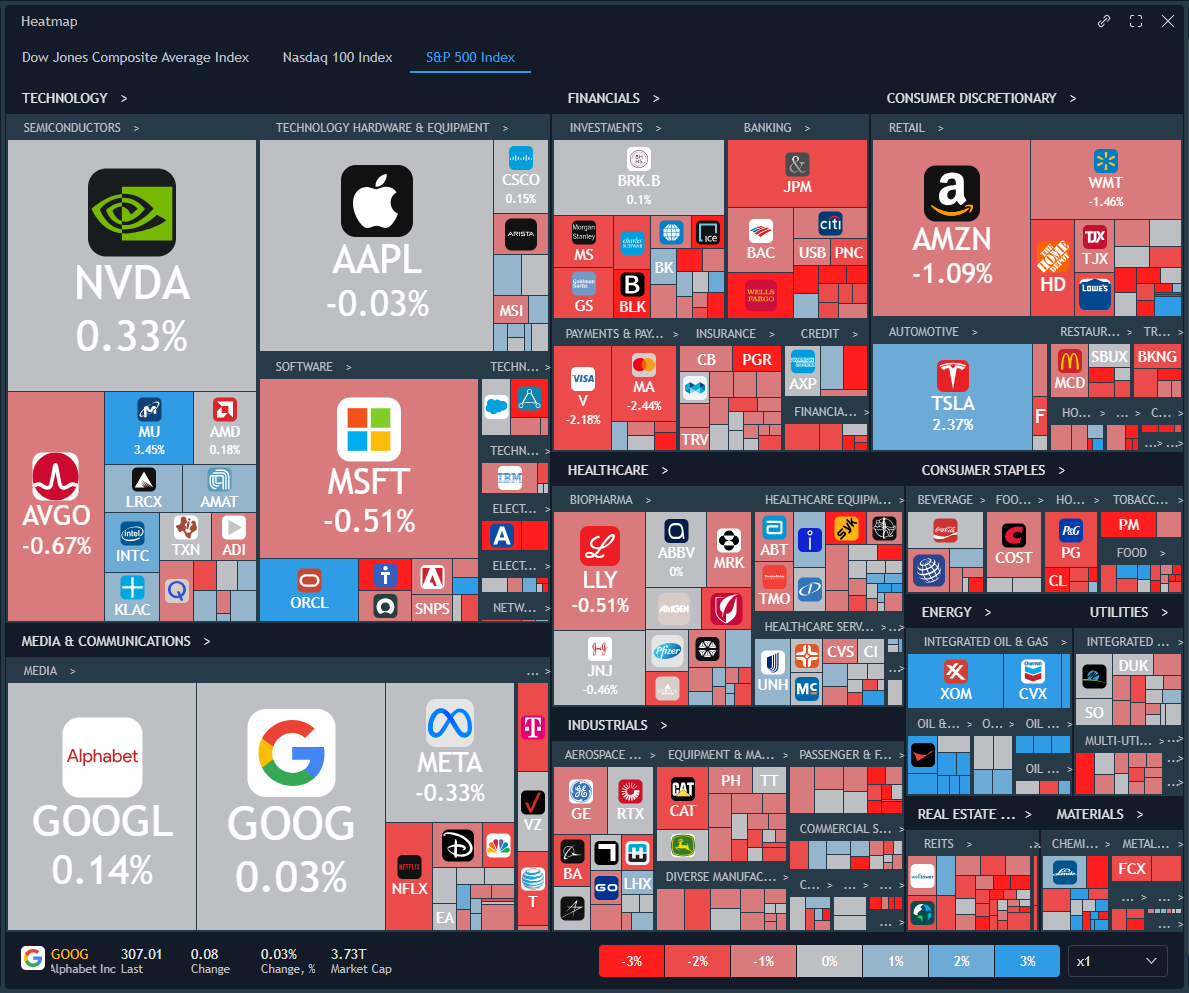
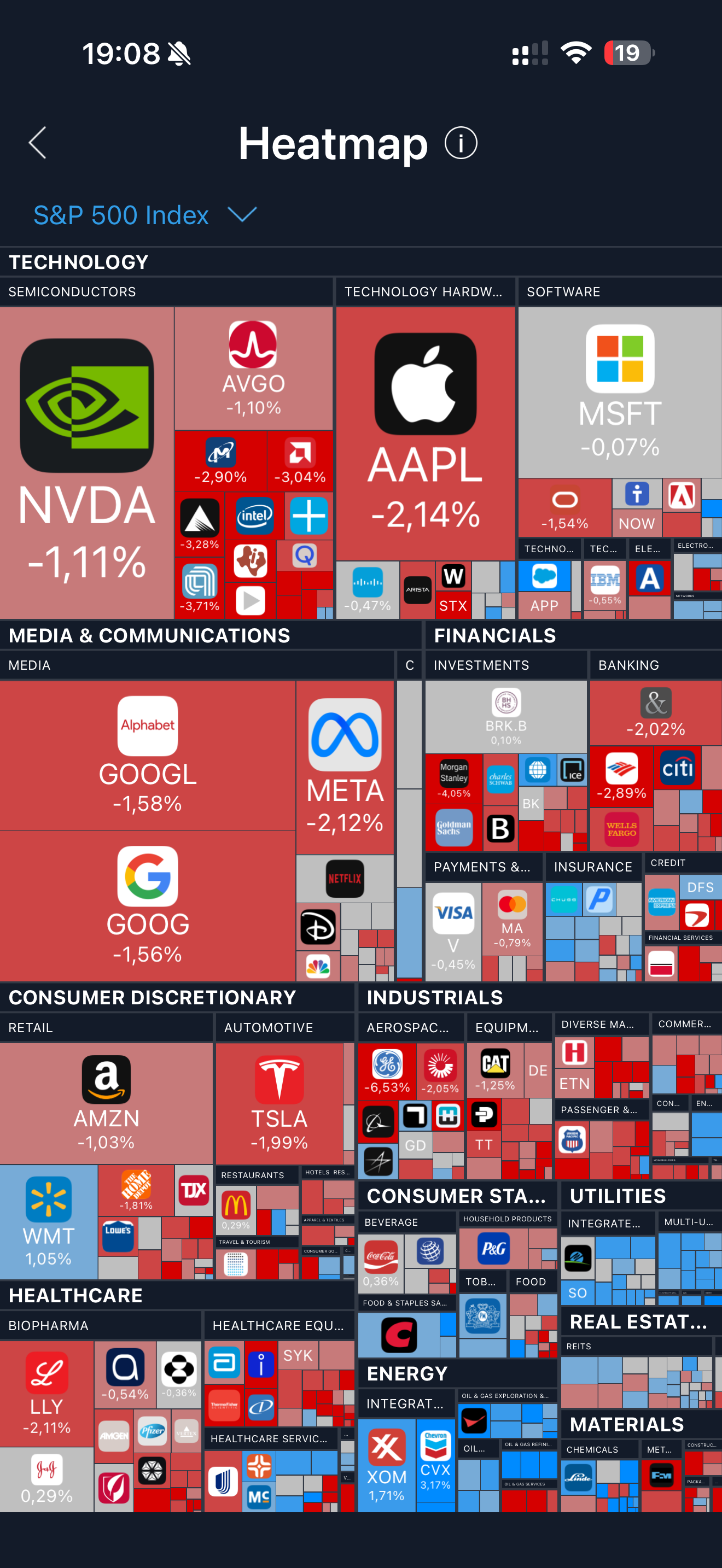
Visual market overview across instruments — size by market cap or volume, colour by price change. Scan market movement across all instruments at a glance.
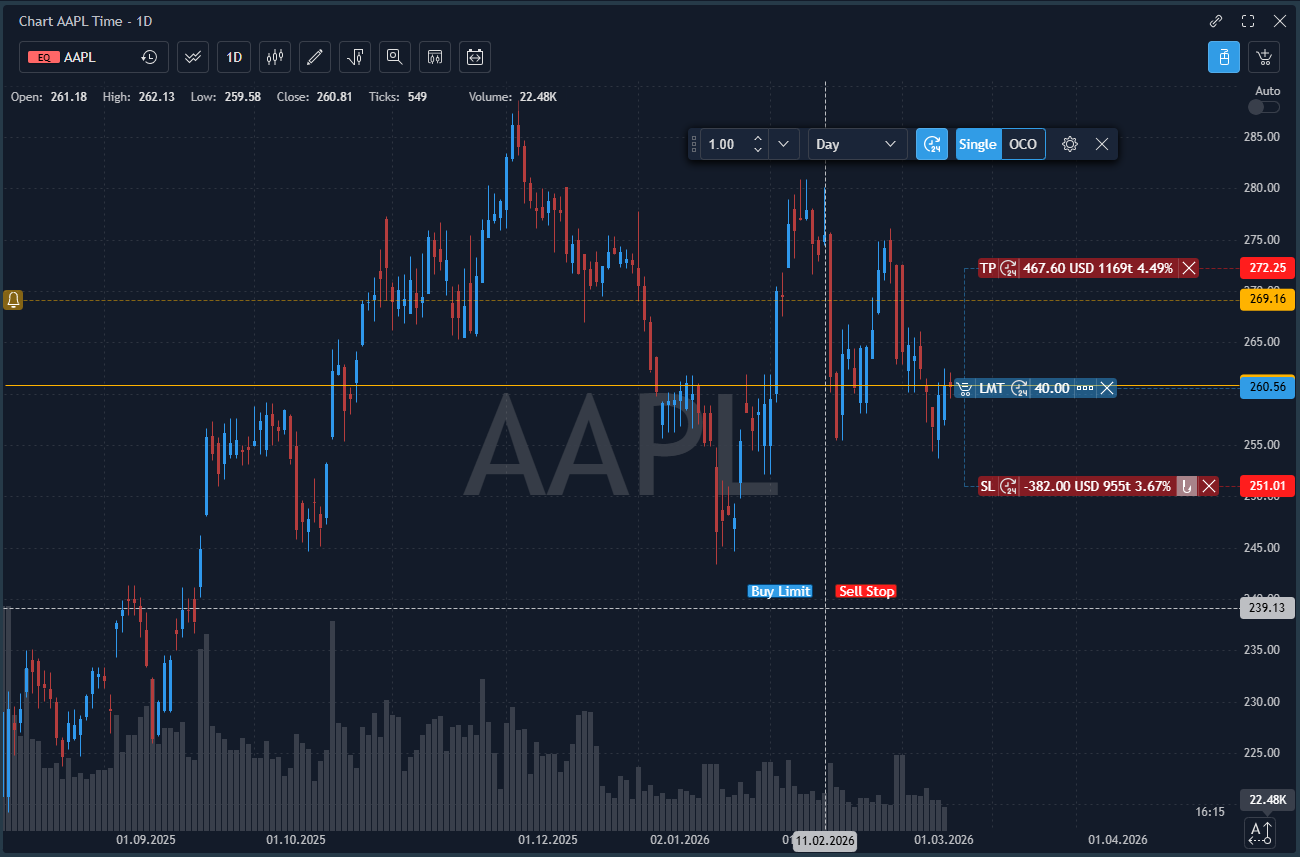
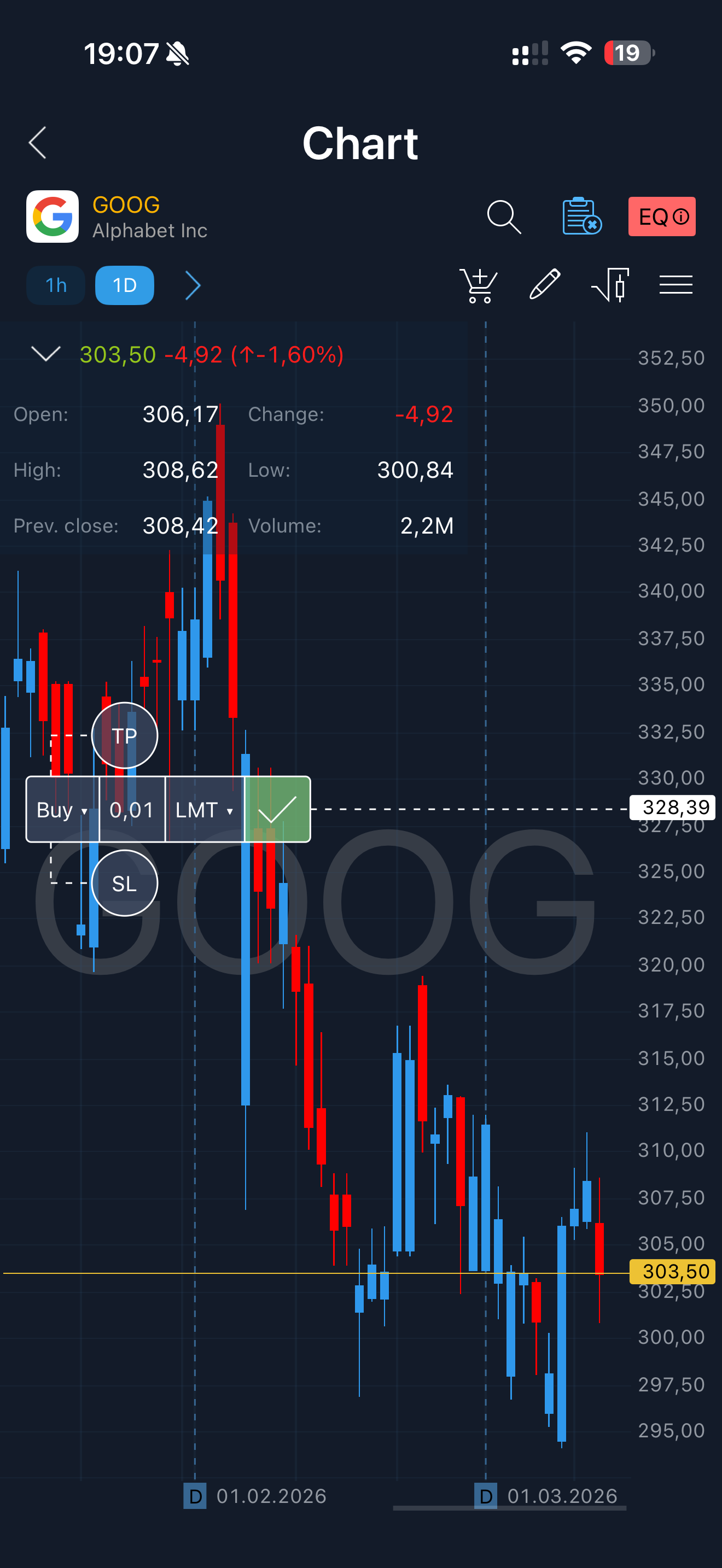
Place, modify, and manage orders directly on the chart. Drag stop loss and take profit levels. Full order lifecycle without leaving the chart view.
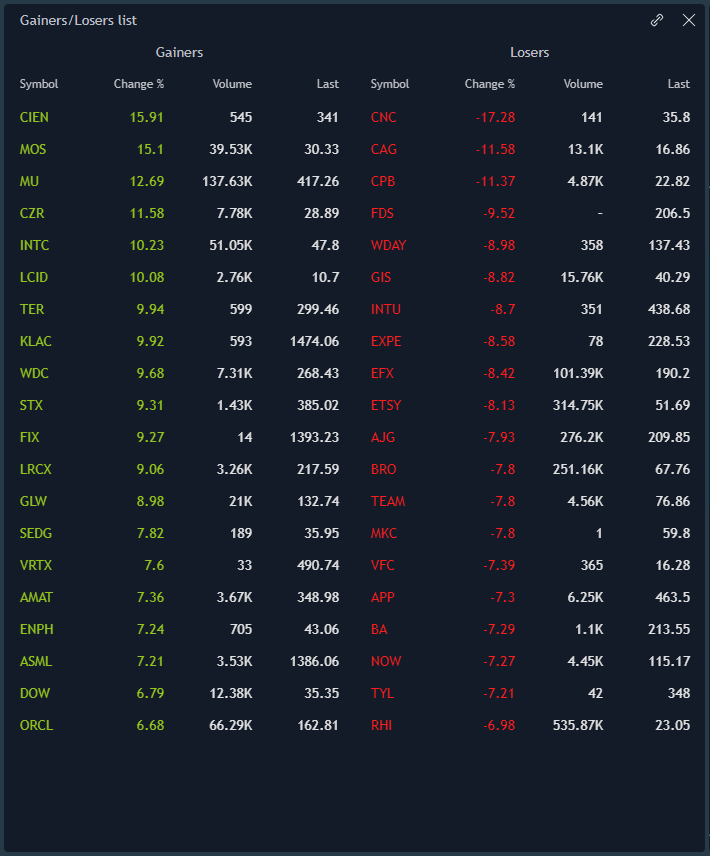
Fixed Income screener. Equity sorting by top winners/losers, top volume, new highs and lows. Market scanning without third-party tools.
Dark and light theme. Broker sets the default; traders can switch based on preference.
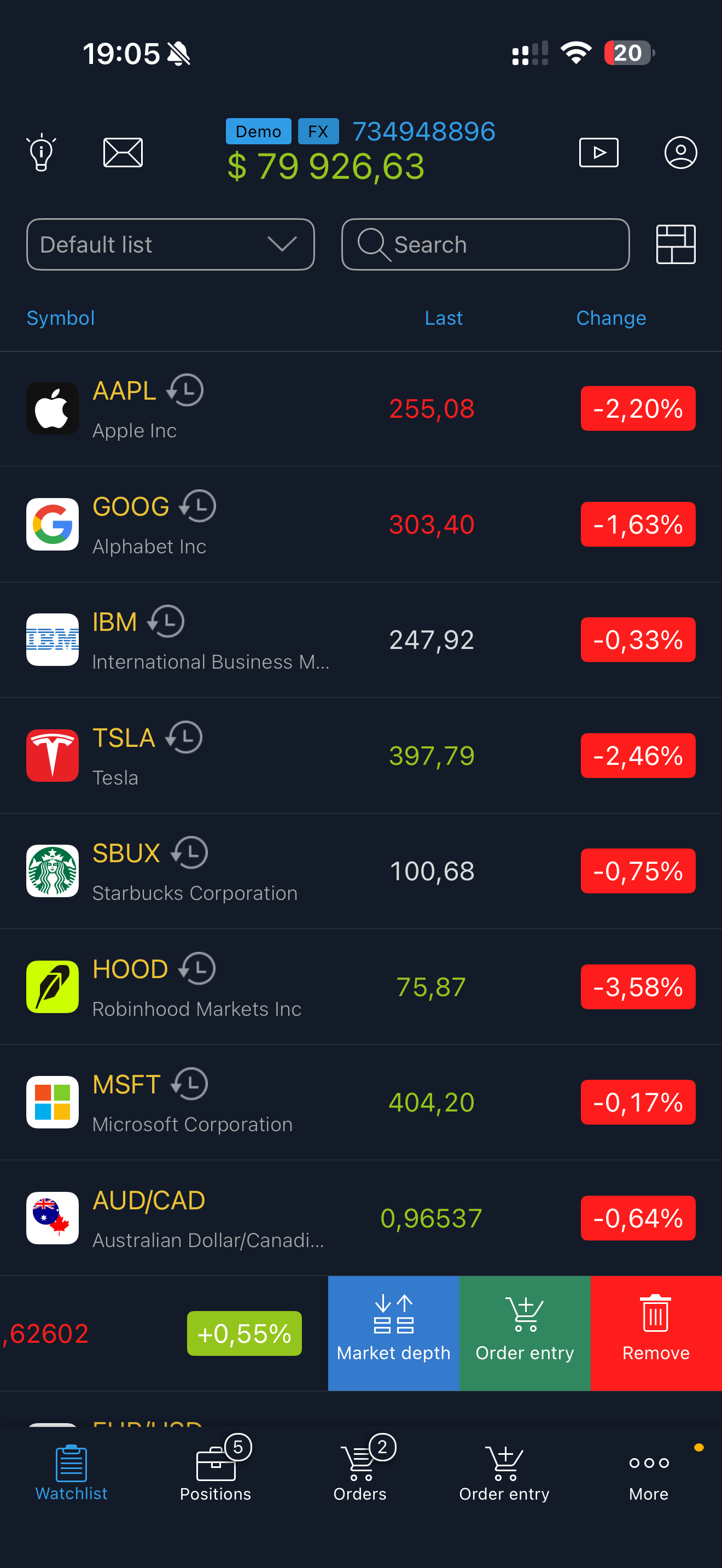
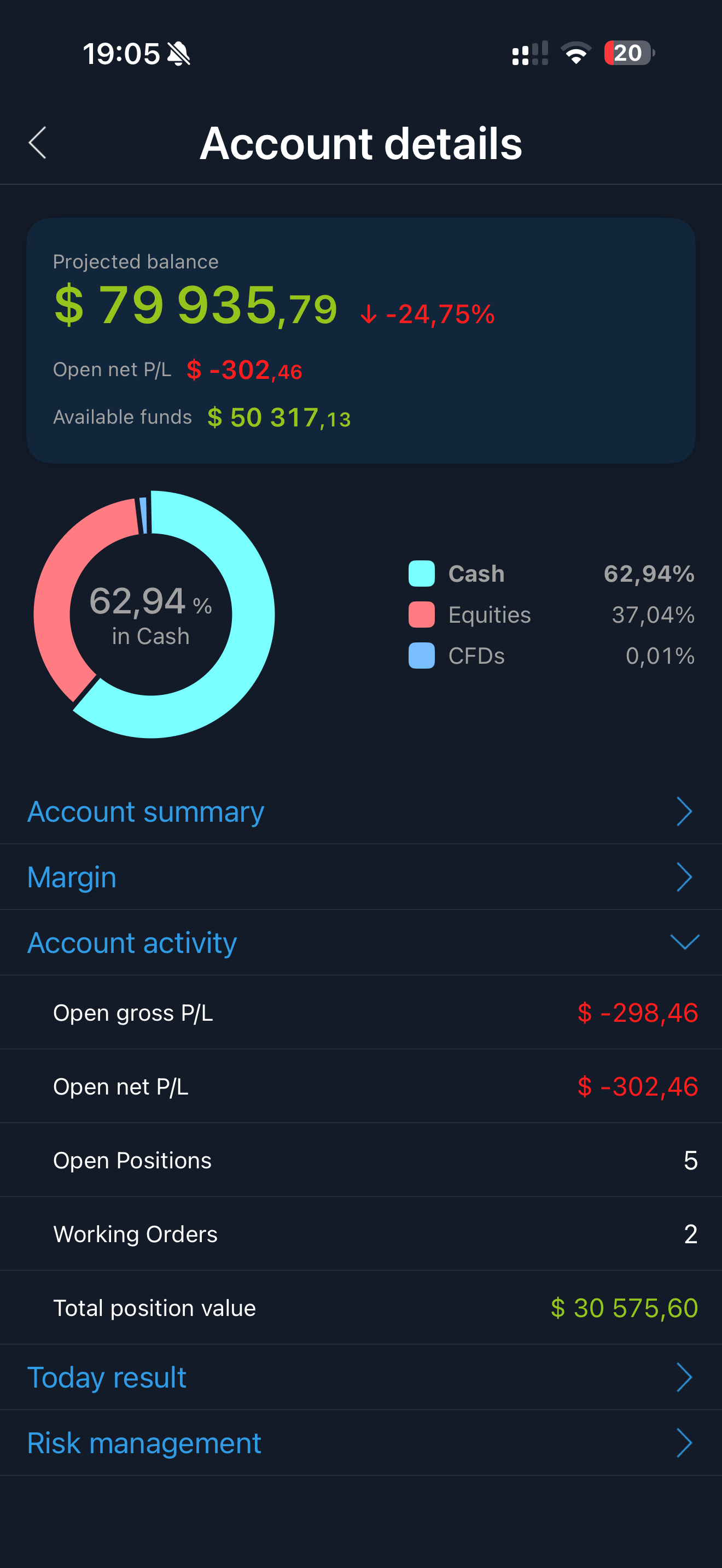
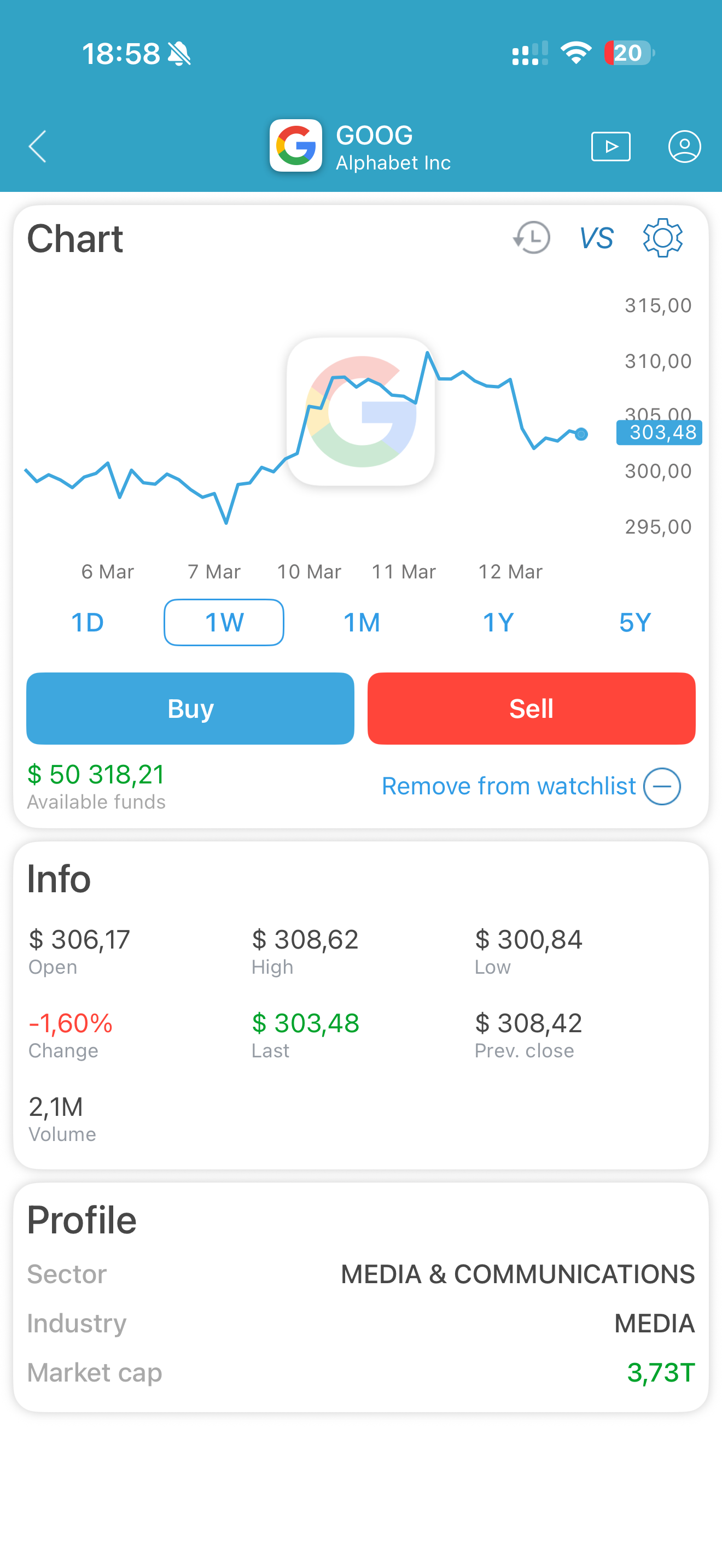
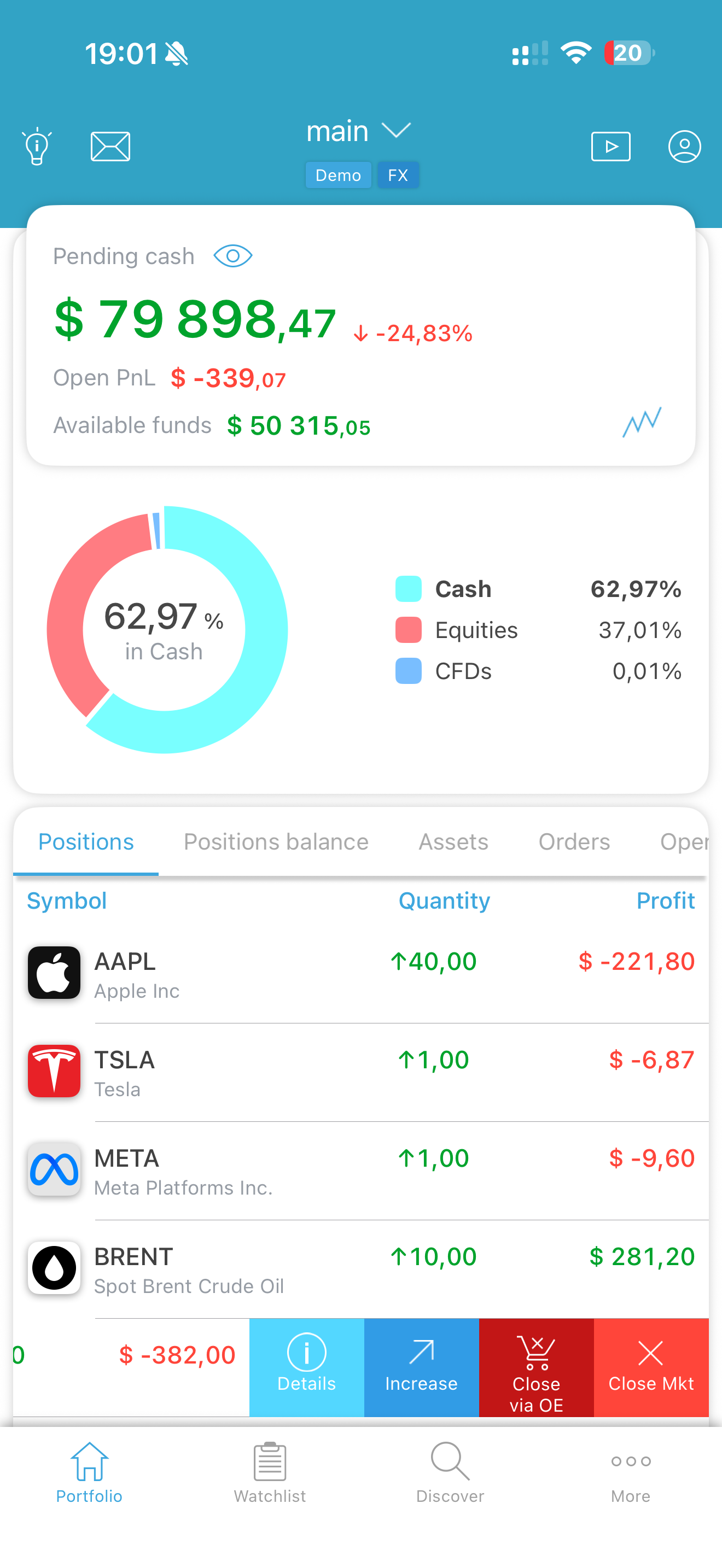
A single native app ships with two distinct experiences: a full active trading interface and a simplified Investing mode for retail clients. The broker configures which interface is available per user group via Back-Office — no separate app builds required.
TraderEvolution ships production-ready native iOS and Android apps alongside the back-end. Brokers launch with a complete client-facing stack on day one.
Complete order management, watchlists, real-time quotes, positions, and account management. Same capabilities as the web platform in a native mobile experience.
Option Chain with Greeks, P/L Analyzer, and Strategy Builder with 10 pre-built templates — Single Option, Vertical Spread, Straddle, Strangle, Butterfly, Condor, Iron Condor, Collar, Calendar, and Custom.
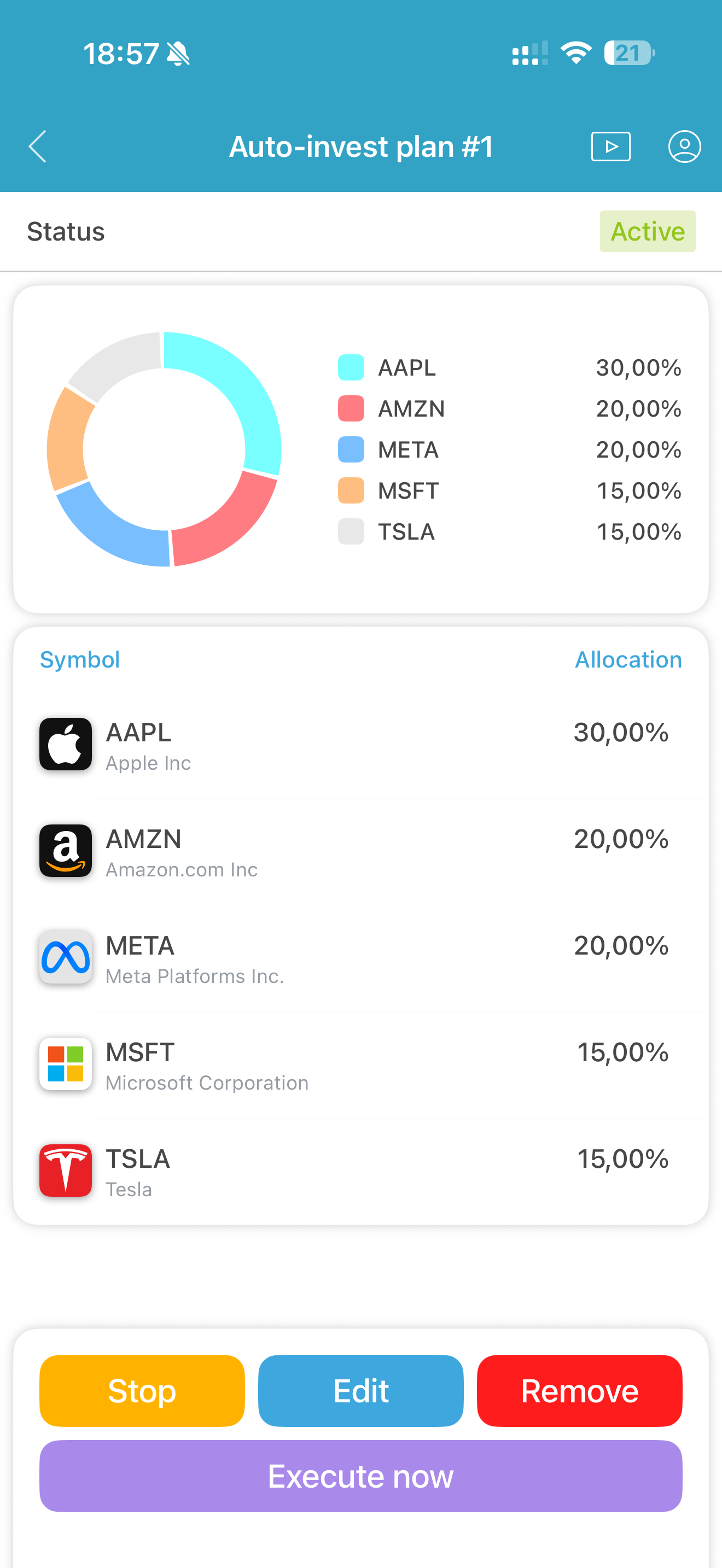
Clients build investment baskets from equities and ETFs, set allocation percentages, and schedule recurring purchases — daily, weekly, or monthly. Dollar-cost averaging without manual execution.
Market heatmap and chart-based order entry available on mobile — the same tools as desktop, adapted for touch.
Order entry features available across web, mobile, and custom front-ends built on Client API.
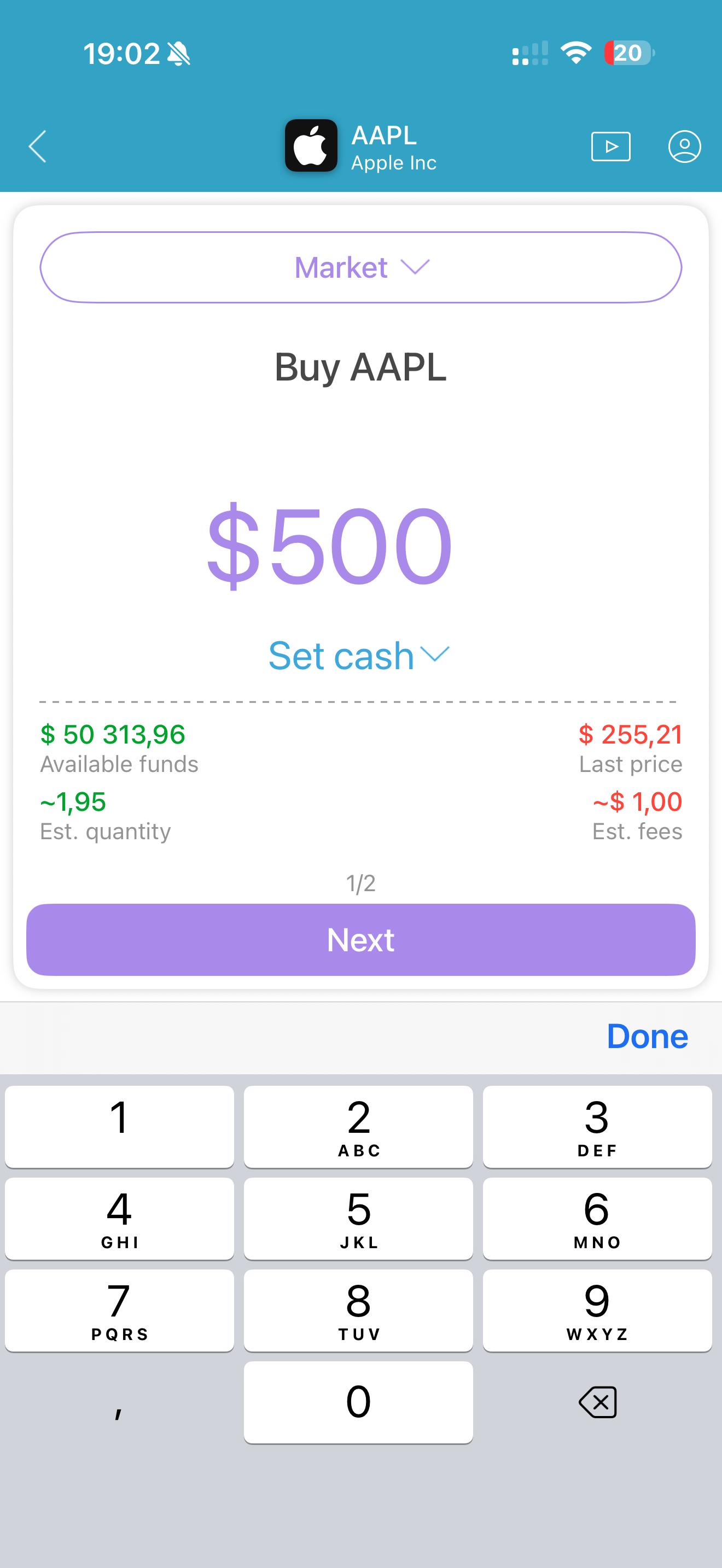
Trade fractional shares across supported instruments — clients can buy any amount regardless of share price.
Stop loss and take profit configurable in absolute price, offset, ticks, or percentage of entry price. Consistent across all asset classes.
Built-in position sizing tools in the order entry panel — calculate quantity based on risk amount or account percentage.
Set multiple partial close levels on a single position — close 25% at the first TP, another 25% at the second, and let the rest run.
Single instrument routes automatically across sessions — regular hours and overnight. No instrument switching, no separate account.
Set price or condition alerts that trigger order placement automatically when conditions are met.
Keyboard shortcuts for order placement, position management, and platform navigation — configurable per user.
One-click order buttons with pre-configured size and parameters. Designed for fast execution without manual input.
Place and manage orders directly on the chart — drag stop loss and take profit levels, add orders from the price axis.
Place orders by cash amount instead of quantity — "Buy $500 of AAPL" works the same as specifying share count.
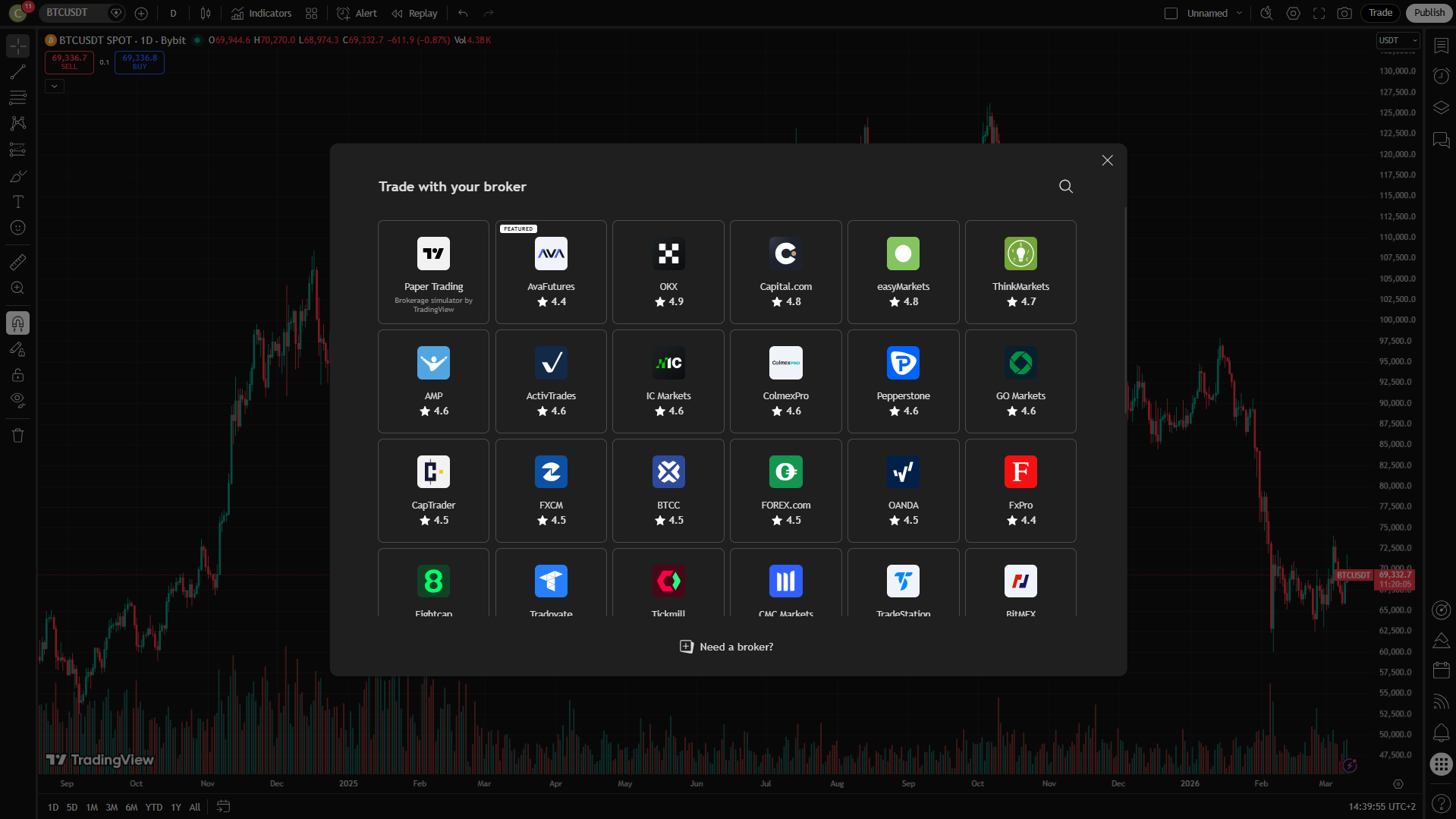
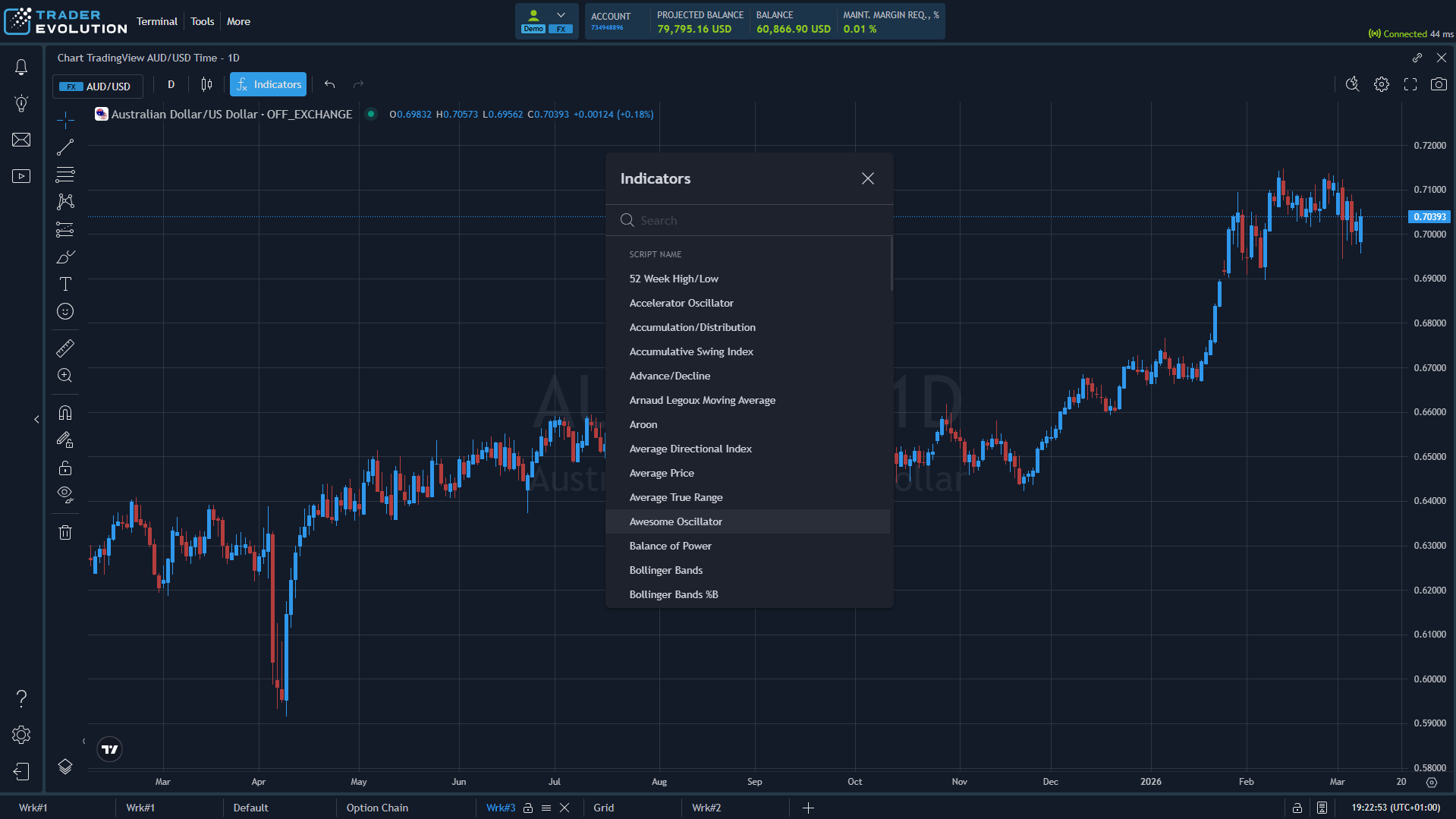
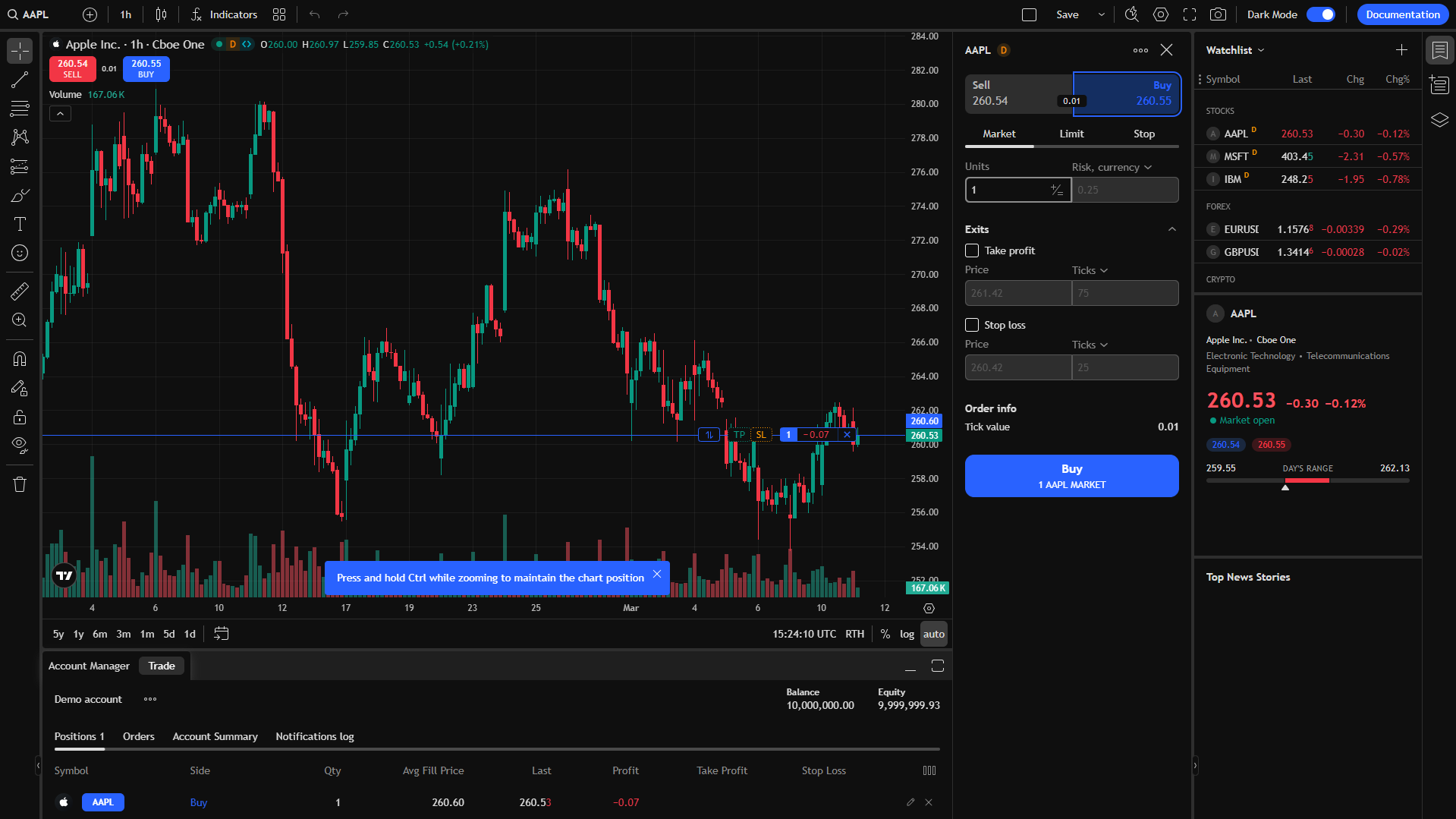
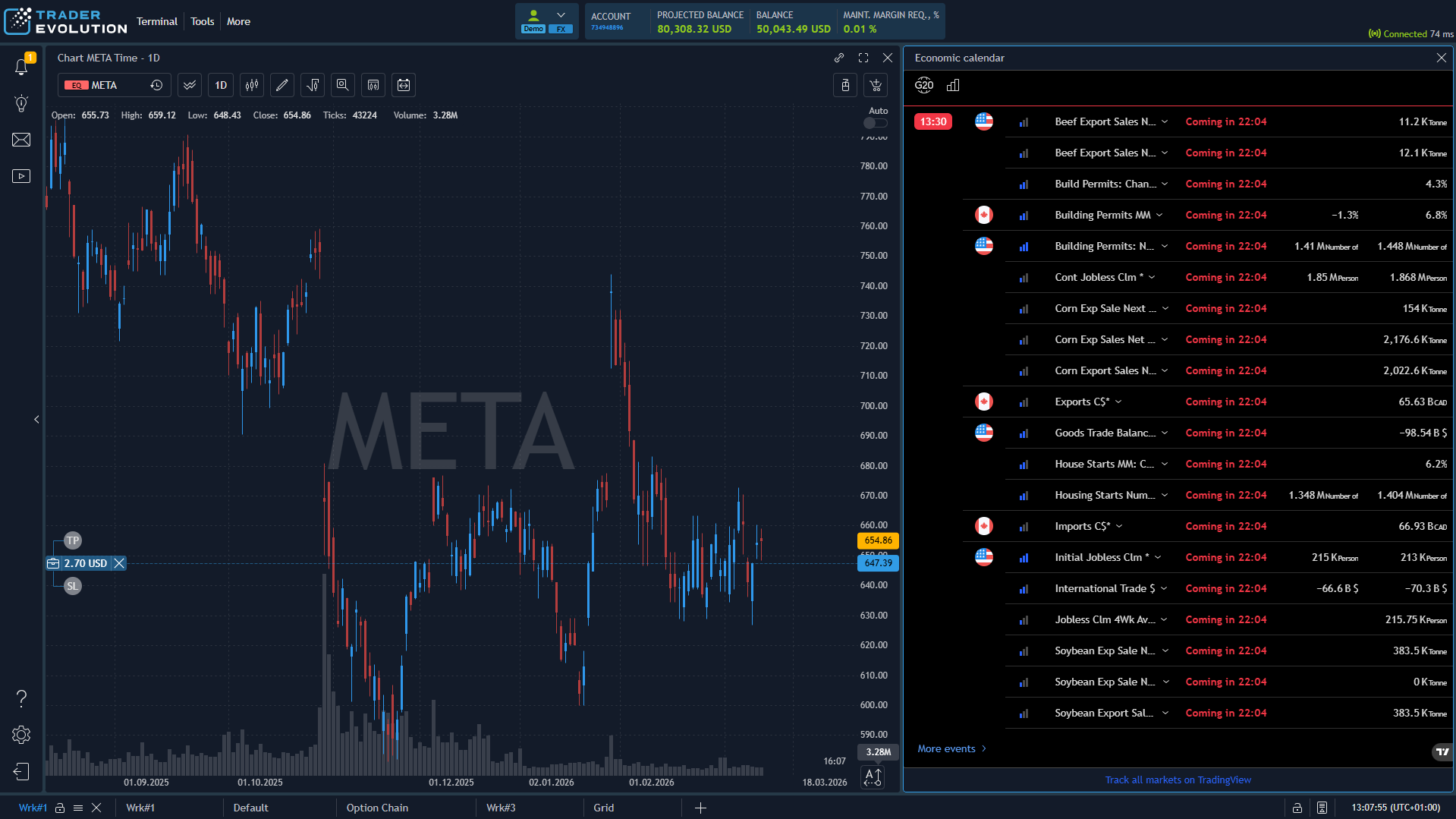
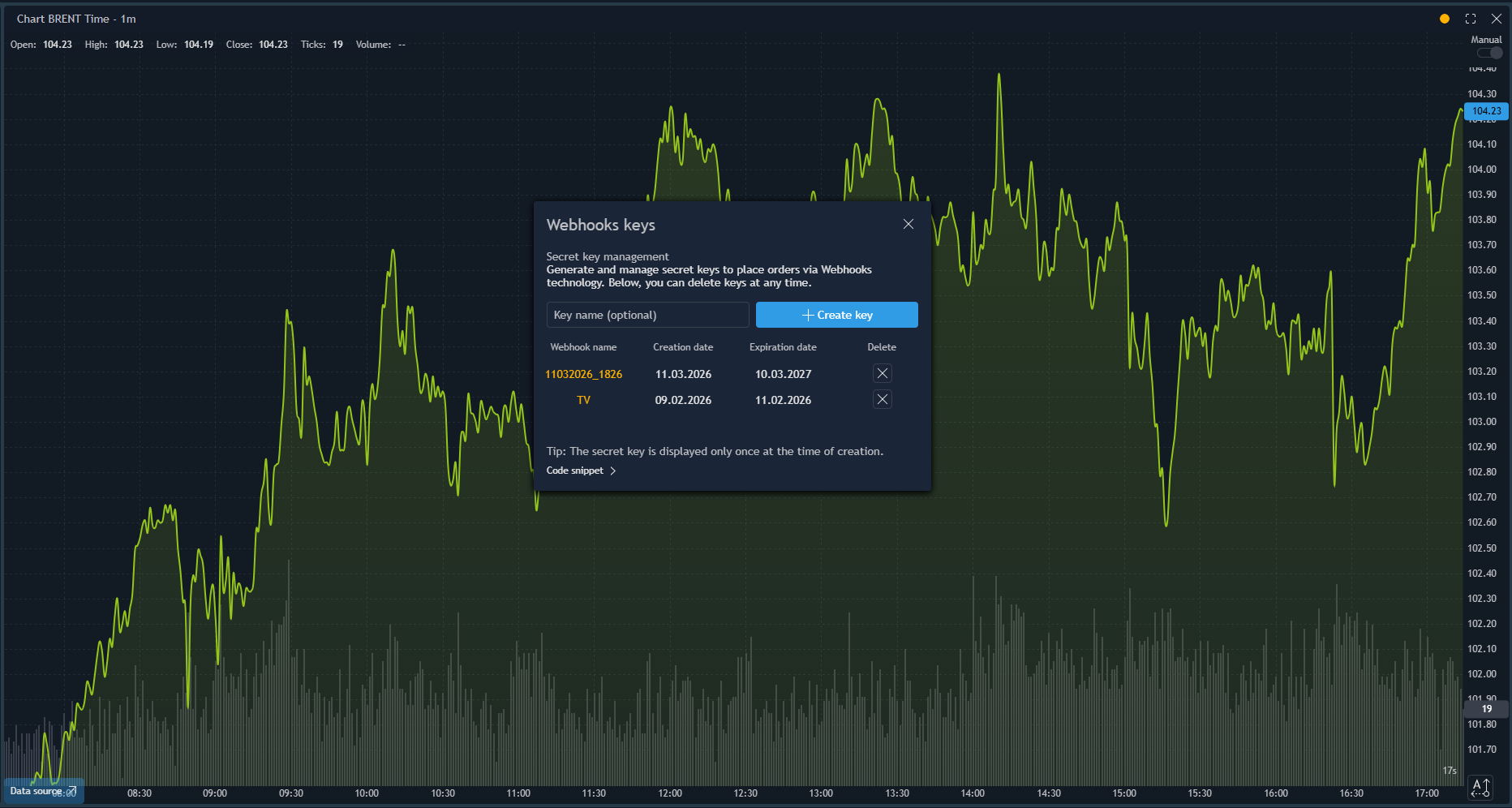
From broker listing on tradingview.com to native Pine Script webhook execution — TraderEvolution supports five levels of TradingView integration across all asset classes.
The Client API gives full access to the TraderEvolution back-end — instruments, real-time market data, order execution, and account events. Use it to build a custom trading interface, a proprietary algo system, or integrate trading into an existing product.
WebSocket subscriptions for quotes, order book depth, trades, positions, and account events. No polling required.
Place, modify, and cancel orders. Manage positions. Query historical data. Everything available in the native front-ends is accessible via API.
Per-user connection — each client connects with their own credentials. On-behalf connection — a single admin connects and operates across multiple user accounts.
TraderEvolution ships with a Model Context Protocol server — deployed in the broker's own infrastructure, built on Client API. AI agents connect to it and get the same trading capabilities as any human trader using the web or mobile front-end.
31 tools cover the full trading lifecycle: market data, instruments, order execution, position management, account operations, and historical data. Compatible with Claude, GPT-4, and any MCP-enabled AI client.
The MCP Server runs inside the broker's infrastructure — not in a third-party cloud. The broker controls who has access and what they can do.
We run product demos for qualified brokers and banks. Walk through the web platform, mobile app, and TradingView integration with our team.